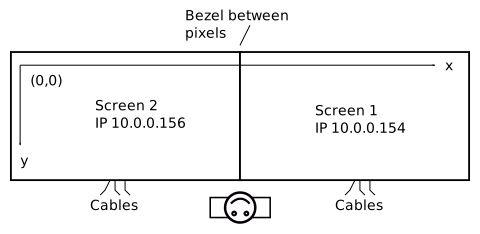
In this example we have two screen in landscape with application PC running Windows using AMD Eyefinity graphics card. We want to configure the screens for running Cornerstone applications as well as third party applications using TUIO.
For TUIO stream to be available, you need to have MTServer.exe or any other Cornerstone program running.
Configuration steps
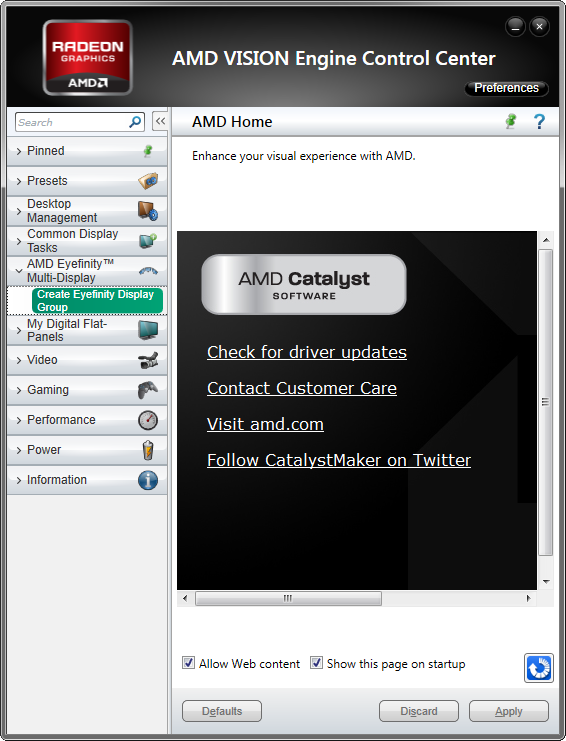
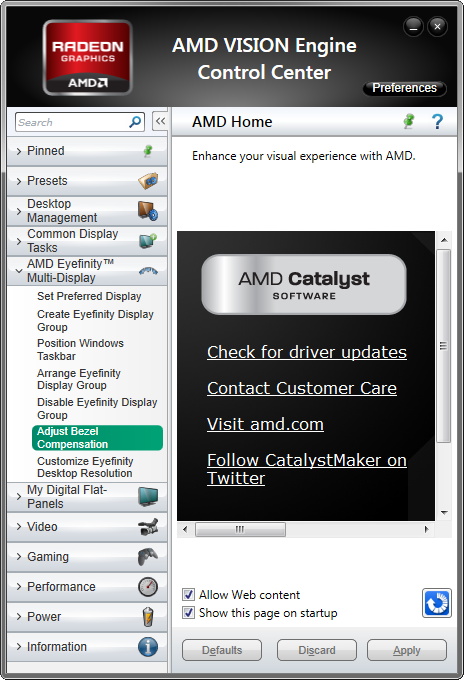
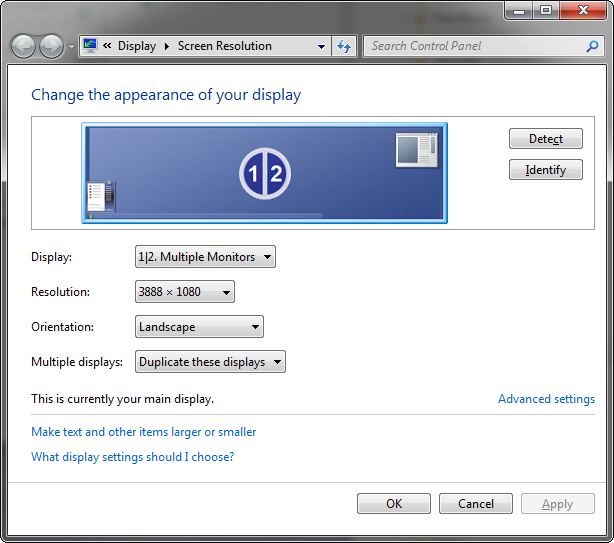
Adjust config.txt and screen.xml to take the bezel into account.
screen.xml with 48 pixel bezel <?xml version="1.0" encoding="UTF-8" standalone="no" ?>
<multihead type="HasValues">
<widthcm type="float">100</widthcm>
<window type="window">
<area type="area">
<active type="int">1</active>
<comment type="string"></comment>
<graphicslocation type="3839">0 0</graphicslocation>
<graphicssize type="vector">1920 1080</graphicssize>
<keystone type="glkeystone">
<rotations type="int">0</rotations>
<v1 type="vector">0 0</v1>
<v2 type="vector">1 0</v2>
<v3 type="vector">1 1</v3>
<v4 type="vector">0 1</v4>
</keystone>
<location type="vector">0 0</location>
<seams type="vector">0 0 0 0</seams>
<size type="vector">1920 1080</size>
</area>
<area2 type="area">
<active type="int">1</active>
<comment type="string"></comment>
<graphicslocation type="3839">1968 0</graphicslocation>
<graphicssize type="vector">1920 1080</graphicssize>
<keystone type="glkeystone">
<rotations type="int">0</rotations>
<v1 type="vector">0 0</v1>
<v2 type="vector">1 0</v2>
<v3 type="vector">1 1</v3>
<v4 type="vector">0 1</v4>
</keystone>
<location type="vector">1968 0</location>
<seams type="vector">0 0 0 0</seams>
<size type="vector">1920 1080</size>
</area2>
<frameless type="int">1</frameless>
<fullscreen type="int">0</fullscreen>
<location type="vector">0 0</location>
<resizeable type="int">0</resizeable>
<size type="vector">3888 1080</size>
</window>
</multihead>
config.txt with 48 pixel bezel TUIOSender {
features = "fingers objects"
address = "localhost"
port = "3333"
}
NetBridge {
host="10.0.0.156"
input-translate = "0 0"
input-rotate = "0"
input-scale = "1 1"
}
NetBridge {
host="10.0.0.154"
input-translate = "1968 0"
input-rotate = "0"
input-scale = "1 1"
}
This is the same as normal orientation except that the image is flipped vertially.
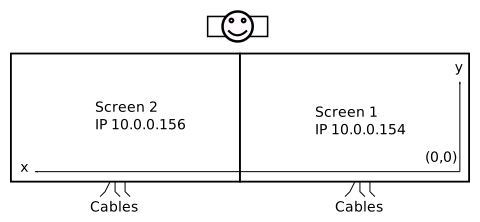
Configuration steps
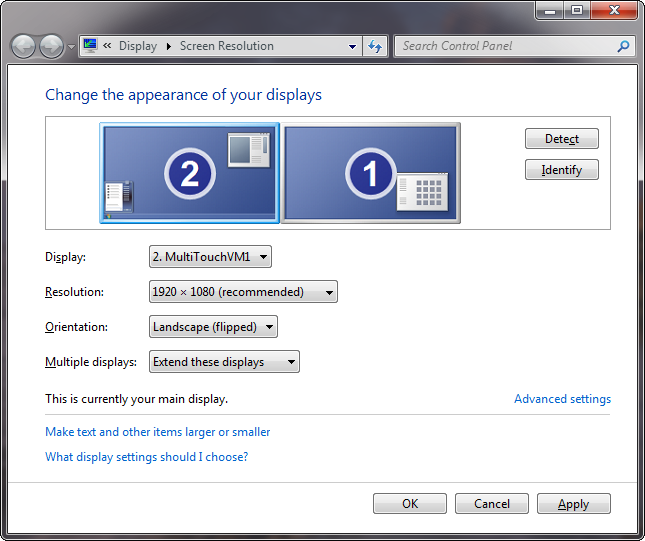
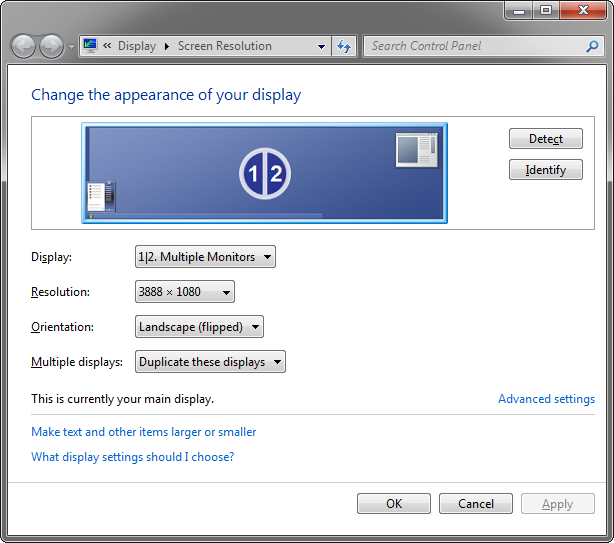
config.txt and screen.xml to take the bezel into account.screen.xml with 48 pixel bezel is the same as in normal orientationconfig.txt with 48 pixel bezel TUIOSender {
features = "fingers objects"
address = "localhost"
port = "3333"
}
NetBridge {
host="10.0.0.156"
input-translate = "3888 1080"
input-rotate = "180"
input-scale = "1 1"
}
NetBridge {
host="10.0.0.154"
input-translate = "1920 1080"
input-rotate = "180"
input-scale = "1 1"
} 
